本页面预览本博客主题中可用的自定义组件。各节先展示渲染后的组件,再展示重现所需的 Markdown 或 HTML。
这些组件是嵌入 Markdown 的自定义 HTML 元素。使用组件前务必加载对应模块。
本文可作为快速参考,但在实际文章中请有目的地使用组件。组件应当让结构、对比或上下文更清晰。如果纯 Markdown 能更好传达想法,就用纯 Markdown。
标签页
标签页适用于读者需要对比相关视图、但不想滚动重复内容的场景。本文中,每个组件均使用标签页来分隔实时预览和源码 Markdown。
标签标题尽量简短。在默认的 <x-tab> 上添加 active,每个面板使用一个 <x-tab title="...">。标签内容前后留空行,尤其是内容包含 Markdown 块或自定义 HTML 时。
图片轮播
当多张图片属于同一序列、场景或对比时,适合使用图片轮播。适用于旅行笔记、视觉导览和紧凑图集。
使用前加载 /js/components/image-carousel.U63FJYET.js。在 <image-carousel> 内部使用 Markdown 图片语法,图片列表前后留空行。只有在动态效果增强页面时才使用 autoplay,否则让读者手动浏览。interval 单位为毫秒。
宽高比来自第一张图片的自然尺寸,因此肖像和风景混合的图片不会被迫裁切到固定的 3/2 比例。传入显式 ratio(如 ratio="16/9")可覆盖,使每张幻灯片固定为同一比例。导航通过前/后按钮、圆点、键盘方向键和触摸滑动实现;自动播放会在鼠标悬停、轮播滚出视野或标签页隐藏时自动暂停。
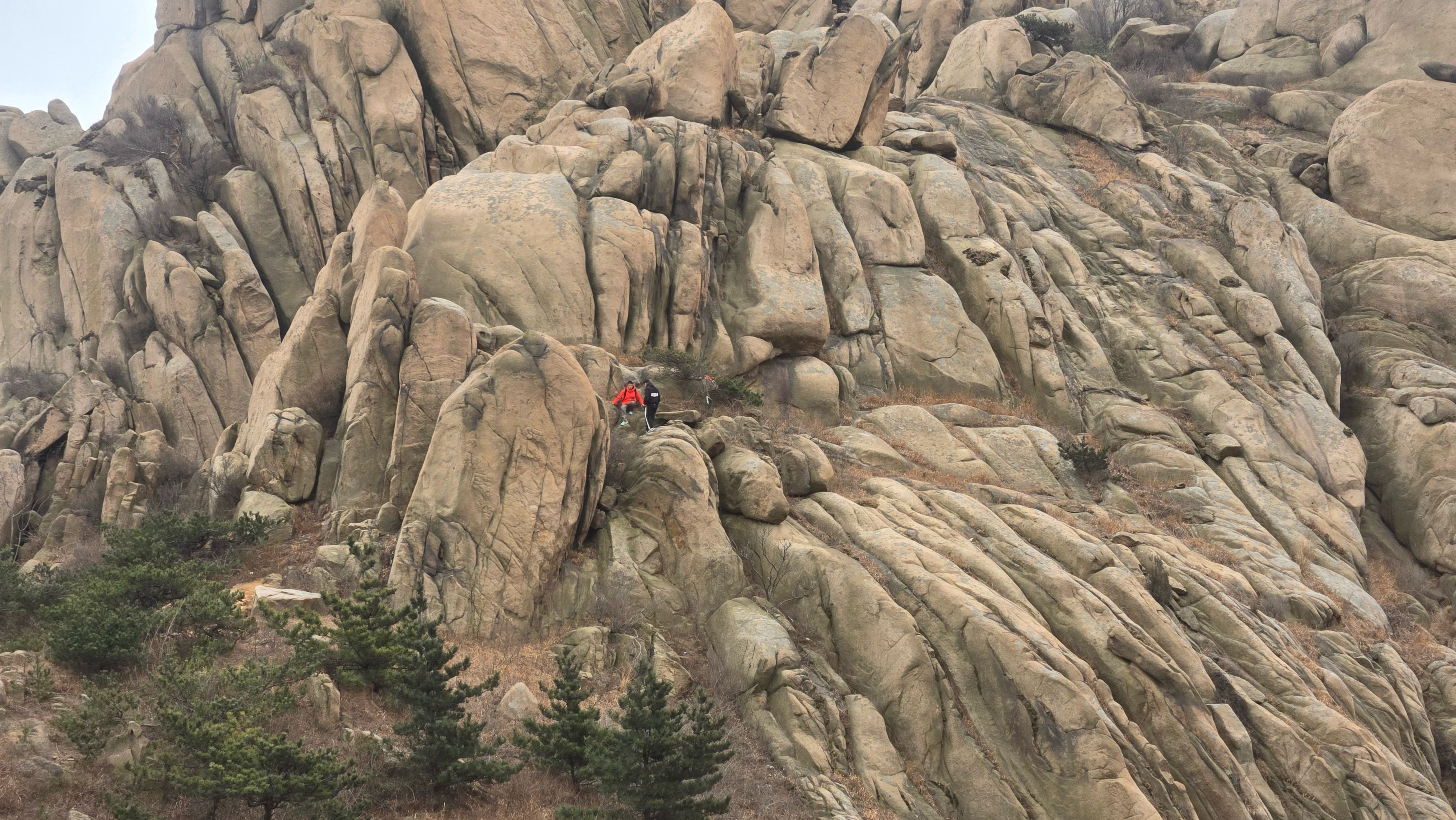
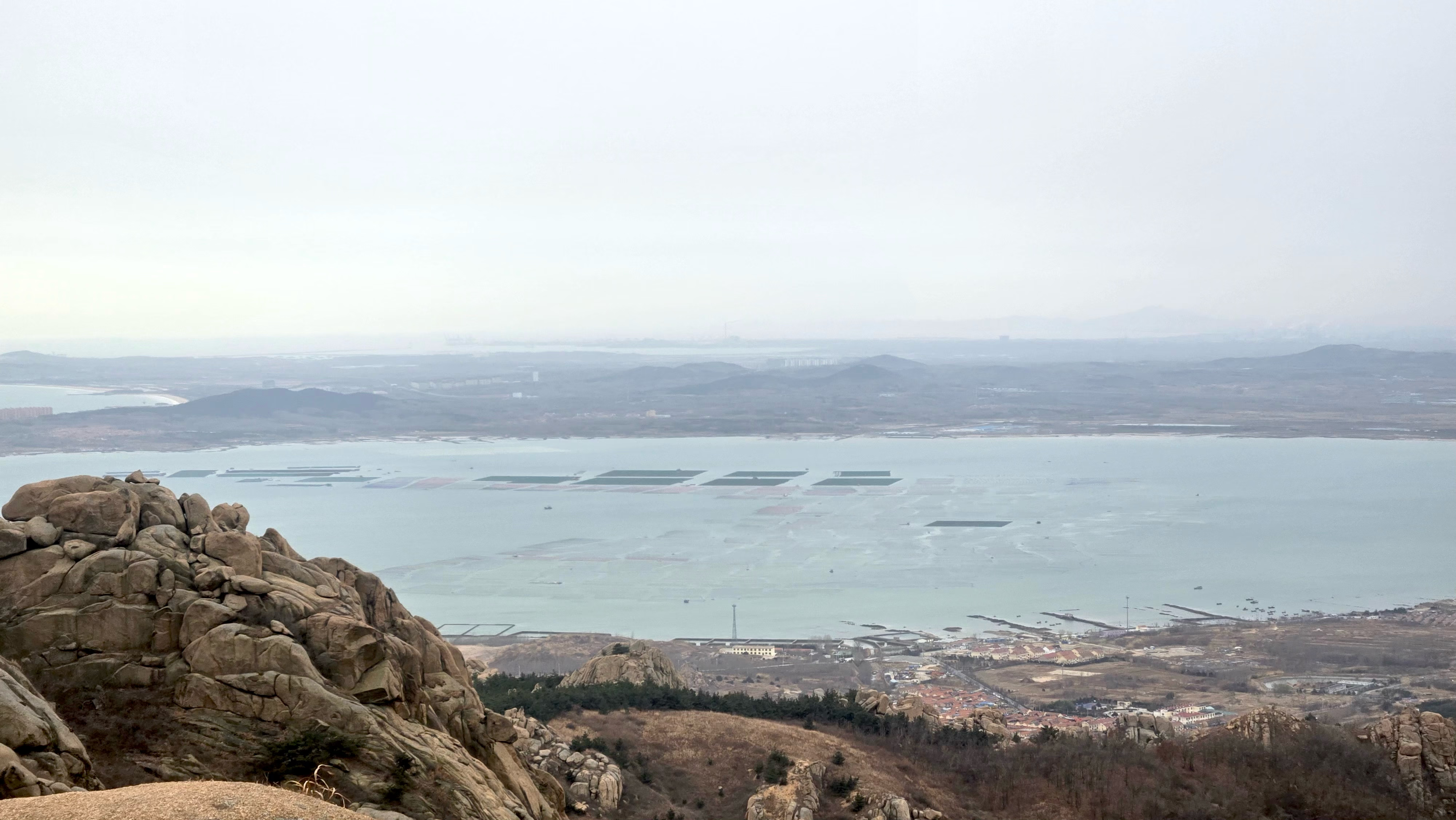


<script type="module" src="/js/components/image-carousel.U63FJYET.js"></script><image-carousel autoplay interval="4000">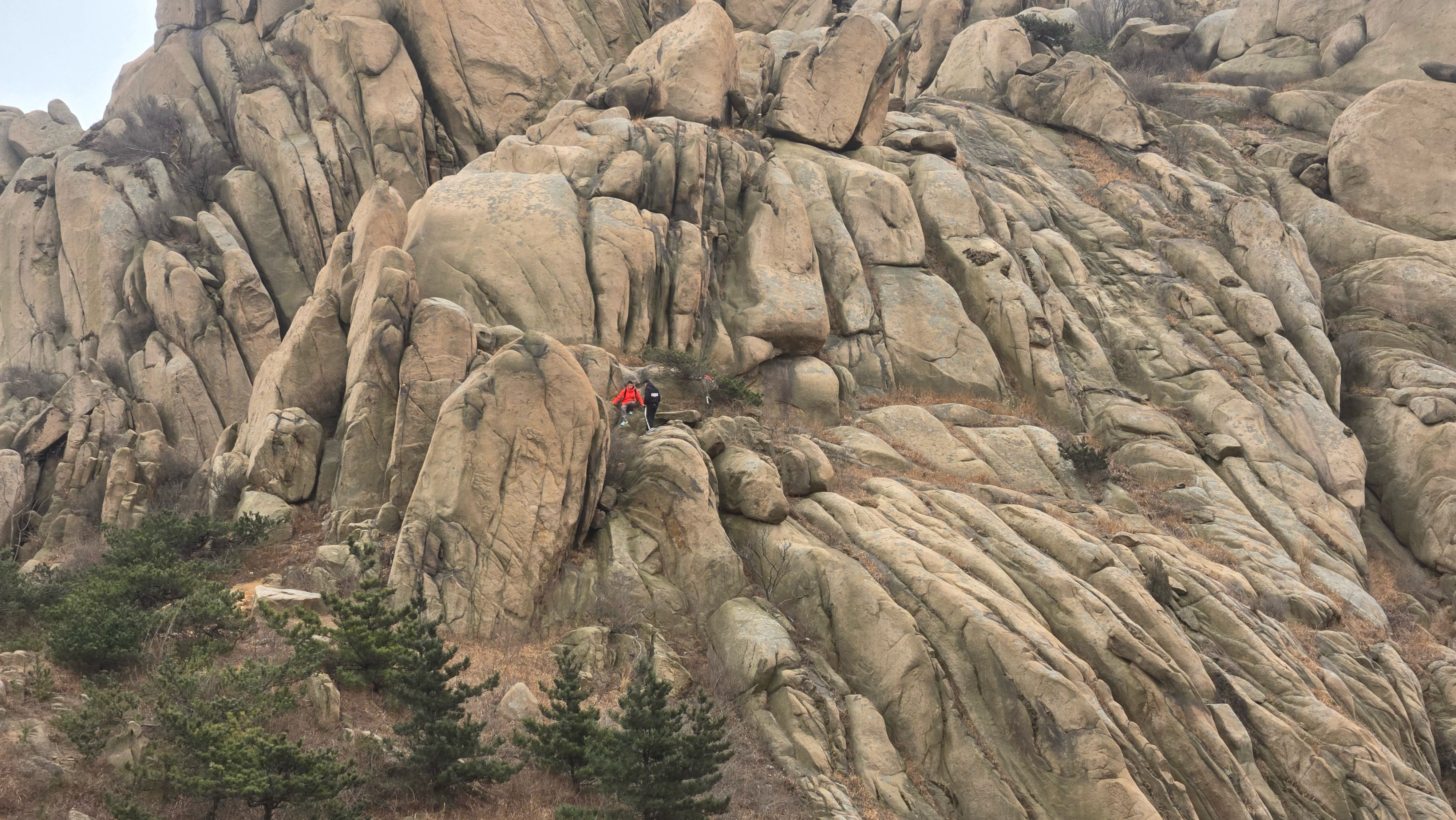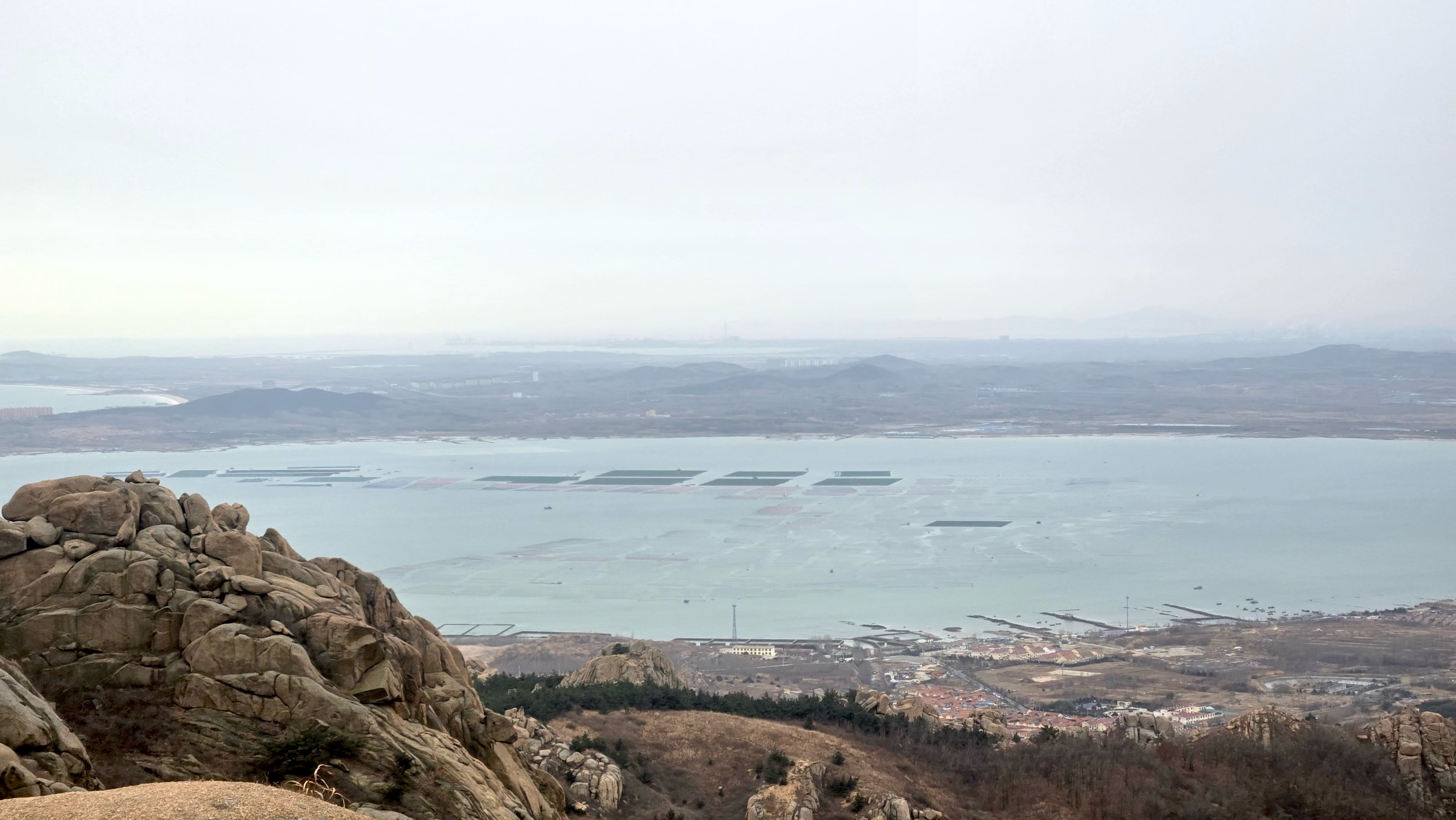</image-carousel>群图展示
当多张图片属于同一组观察、地点或氛围,但不需要按顺序一张张切换时,使用群图展示。它像横向样片墙:每张图等高展示,宽度按自身比例变化,适合混合肖像、风景和宽幅图片。
使用前加载 /js/components/image-group.NE76JUYV.js。在 <image-group> 内部使用 Markdown 图片语法,图片列表前后留空行。组件使用 object-fit: contain,不会裁剪图片;整体高度由 height 固定,图片加载前后不会推动下方内容。可用 height 控制图高,gap 调整间距,label 设置无障碍名称;添加 wide 可让组件在较宽视口突破正文栏宽,居中扩展到更接近视口的宽度。图片超出宽度时,读者可以横向滚动或使用左右按钮浏览。
<script type="module" src="/js/components/image-group.NE76JUYV.js"></script><image-group height="280px" label="珠山秀谷照片组"></image-group>图文段落
当图片和段落需要一起阅读时,使用图文段落。当图片为人物、地点、引言或历史注释提供背景时,它比独立图片更好。
使用前加载 /js/components/text-image-section.UWWZ7WVT.js。提供有意义的 alt 值,有意识地设置 width,文字保持精炼。长文本也可以,但图片和文字形成紧凑一体的效果最佳。
图片渲染为 <figure>(alt 文字复用为 <figcaption>),默认浮动在文字右侧;添加 left 属性可翻转布局。屏幕宽度小于 640px 时,图片会堆叠在文字上方全宽显示。宿主元素内部创建独立的块格式化上下文,因此 Hexo 包裹的 <blockquote> 不会在移动端将左侧边框渗入图片区域。
Hermann Karl Hesse (2 July 1877 – 9 August 1962) was a German-Swiss poet and novelist, and winner of the 1946 Nobel Prize in Literature. His interest in Eastern religious, spiritual, and philosophical traditions, combined with his involvement with Jungian analysis, helped to shape his literary work. His best-known novels include Demian, Steppenwolf, Siddhartha, Narcissus and Goldmund, and The Glass Bead Game, each of which explores an individual’s search for authenticity, self-knowledge, and spirituality.
<script type="module" src="/js/components/text-image-section.UWWZ7WVT.js"></script><text-image-section image="https://www.chinawriter.com.cn/mediafile/pic/20221202/66/17616500808839860178.jpg" alt="Hermann Hesse" width="200px" font-size="1.1rem" font-family="var(--font-handwritting)">**Hermann Karl Hesse** (2 July 1877 – 9 August 1962) was a German-Swiss poet and novelist, and winner of the 1946 Nobel Prize in Literature. His interest in Eastern religious, spiritual, and philosophical traditions, combined with his involvement with Jungian analysis, helped to shape his literary work. His best-known novels include Demian, Steppenwolf, Siddhartha, Narcissus and Goldmund, and The Glass Bead Game, each of which explores an individual's search for authenticity, self-knowledge, and spirituality.</text-image-section>手风琴 🪗
手风琴适用于较长的可选说明。它保持主页面的可读性,同时允许感兴趣的读者展开细节。
直接使用原生 <details class="accordion-item" name="..."> 与 <summary>。同一组 accordion 使用相同 name;在使用处引入 /css/optional/accordion.RUJFGIHJ.css,不需要加载额外 JS。
标题(Heading)
使用 # 创建标题,数量决定层级。Markdown 支持六级标题,分别对应 HTML 的 <h1> 到 <h6>。通常一篇文章只有一个一级标题作为页面标题,正文内容从二级标题开始。
# 一级标题## 二级标题### 三级标题文字样式(Text Styles)
用 **粗体** 和 *斜体* 来强调文字。删除线用 ~~删除~~。行内代码用反引号包裹,如 `code`。
这些样式可以自由组合:
- 粗体
**text** - 斜体
*text* 删除线~~text~~行内代码`code`
链接与图片(Links & Images)
链接语法为 [文字](URL),图片在链接语法基础上加一个 !:。
[OpenAI](https://openai.com)链接的 URL 部分也支持引用式写法,适合需要多次引用同一链接的场景。
<div class="accordion"><details class="accordion-item" name="accordion-test_components-example-1"> <summary>Headings</summary> Use `#` to create headings. The count of `#` determines the level. Markdown supports six heading levels, corresponding to `<h1>` through `<h6>`. Typically a post has one top-level heading as the page title, and body content starts from level two. ```md # Heading 1 ## Heading 2 ### Heading 3 ```</details><details class="accordion-item" name="accordion-test_components-example-1"> <summary>Text Styles</summary> Use `**bold**` and `*italic*` for emphasis. Strikethrough uses `~~text~~`. Inline code wraps in backticks, e.g. `` `code` ``. These styles can be combined freely: - **bold** `**text**` - *italic* `*text*` - ~~strikethrough~~ `~~text~~` - `inline code` `` `code` ``</details><details class="accordion-item" name="accordion-test_components-example-1"> <summary>Links & Images</summary> Link syntax is `[text](URL)`. Images add a `!` prefix: ``. ```md [OpenAI](https://openai.com)  ``` URLs also support reference-style notation, useful when the same link appears multiple times.</details></div>文件树 🌳
当目录结构是解释的一部分时,使用文件树。特别适用于主题、脚本、生成资源和中小型项目布局。
使用前加载 /js/components/tree.RN3ECQ74.js。用 root 命名顶级目录。在 <x-tree> 内部,每一项写成 Markdown 列表项,每级缩进用两个空格。当文件夹没有列出子项时,加上尾部 /,让组件仍能将其渲染为文件夹。树的大小以可快速浏览为宜。
- source/
- js/
- components/
- accordion.css
- tree.js
- image-carousel.js
- main.js
- components/
- css/
- style.css
- themes/
- nord.css
- catppuccin.css
- images/
- logo.png
- js/
- scripts/
- package.json
- README.md
- hexo.config.js
<script type="module" src="/js/components/tree.RN3ECQ74.js"></script><x-tree root="gnix-theme">- source/ - js/ - components/ - accordion.css - tree.js - image-carousel.js - main.js - css/ - style.css - themes/ - nord.css - catppuccin.css - images/ - logo.png- scripts/- package.json- README.md- hexo.config.js</x-tree>边注
当补充背景信息应当靠近其解释的段落,而又不打断主要阅读流时,使用边注。适用于简短定义、来源引用、注意事项或实现备注。
使用前加载 /js/components/sidenote.SDJLVSLQ.js。将 <side-note> 紧接在其注释的段落或块之后。宽屏幕上,注释会移到右侧边距,多个注释之间会计算位置以避免重叠;较小屏幕上则回退到正常的文章流中。
本段提出主要观点。下方的边注在不强制读者离开当前句子的前提下补充了背景信息。
第二段有另一个边注,展示了堆叠注释会相互避让,而不是共享同一顶部位置。
<script type="module" src="/js/components/sidenote.SDJLVSLQ.js"></script>This paragraph introduces the main claim. The side note below adds context without forcing the reader to leave the sentence they are reading.<side-note>Side notes sit in the article margin on wide screens. They are best kept short and focused.</side-note>This second paragraph has another side note, which demonstrates that stacked notes avoid each other instead of sharing the same top position.<side-note>If two notes would collide, the later one is pushed down while staying close to its anchor paragraph.</side-note>
聊天 💬
当问答格式能让解释更易于理解时,使用聊天组件。适用于调试笔记、AI 辅助解释和需要关注顺序的简短对话。
使用前加载 /js/components/chat.VTAEHUEY.js。每个 <chat-message> 应包含 name;avatar 和 timestamp 是可选的,但有助于结构化。添加 is-me 可将自己的消息对齐。每条消息保持简洁,否则聊天布局会比普通段落更难浏览。
布局使用双行网格:头像和头部(名称 + 时间戳)位于第一行,消息气泡位于第二行。移动端气泡会下落到头部下方的全宽行,头像不再占用水平空间。气泡内的行内 <code>、<kbd>、列表和代码块会获得专用样式,不会泄露到 shadow DOM 之外。
auth.refreshToken.rotate() <script type="module" src="/js/components/chat.VTAEHUEY.js"></script><x-chat> <chat-message name="Alice" avatar="https://api.dicebear.com/7.x/avataaars/svg?seed=Alice" timestamp="10:30"> Hey everyone! How's the project going? </chat-message> <chat-message name="Bob" avatar="https://api.dicebear.com/7.x/avataaars/svg?seed=Bob" timestamp="10:32"> Going well! Just finished the authentication module. </chat-message> <chat-message name="Charlie" avatar="https://api.dicebear.com/7.x/avataaars/svg?seed=Charlie" timestamp="10:35"> Nice! We're using JWT tokens with refresh token rotation. Here's the basic structure: <code>auth.refreshToken.rotate()</code> </chat-message> <chat-message name="GnixAij" avatar="https://api.dicebear.com/7.x/avataaars/svg?seed=GnixAij" timestamp="10:38" is-me> Awesome work! Can't wait to see the PR </chat-message></x-chat>